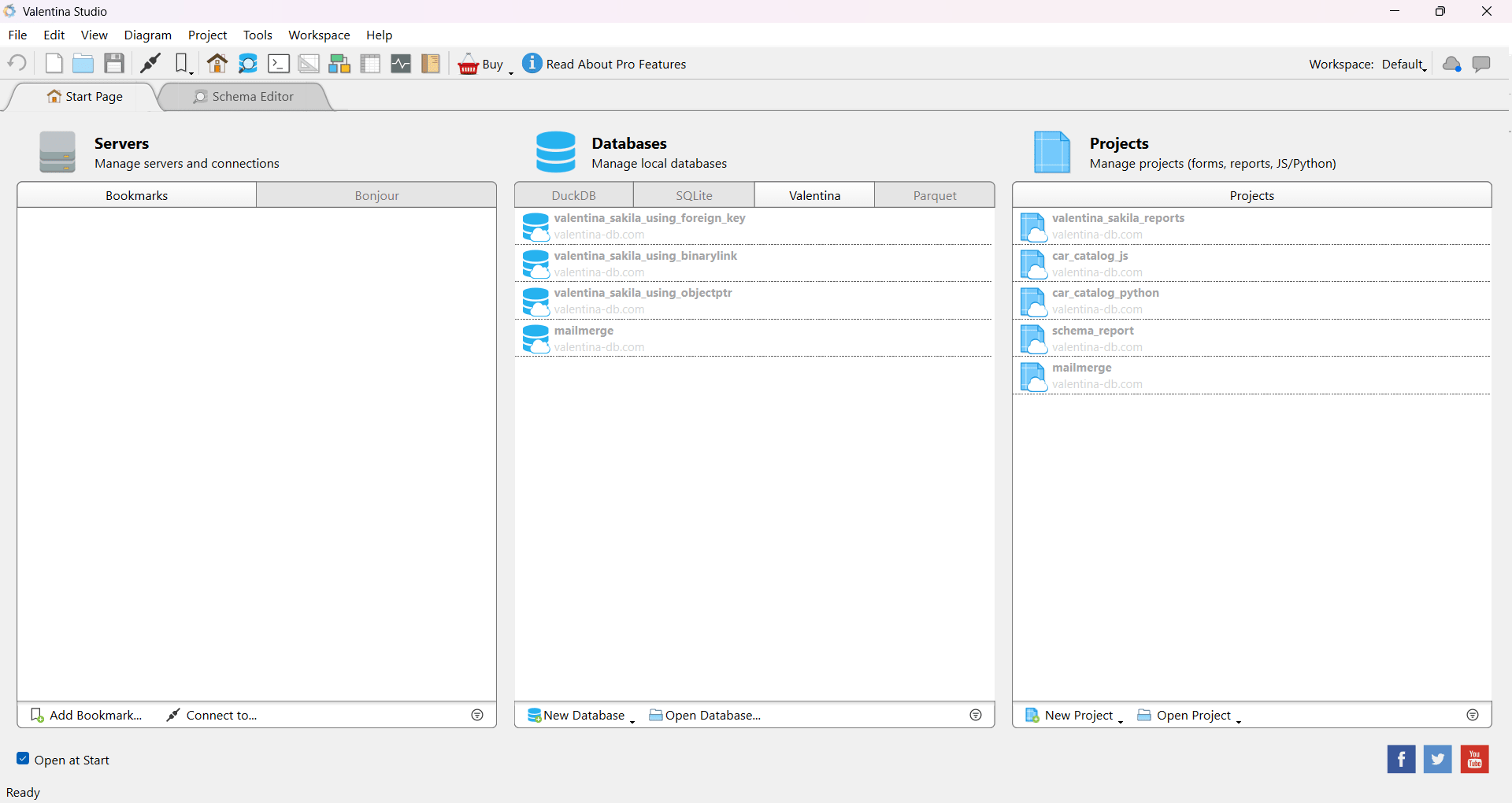
Valentina Studio is a cross-platform database management tool built to handle complex database systems from a single interface. Developed by Paradigma Software, it provides everything you need for database design, SQL querying, and schema management. If you are a developer, analyst, or database administrator, this utility acts as a powerful centralized workspace.
The application supports a wide range of engines, including MariaDB, MS SQL Server, MySQL, PostgreSQL, SQLite, DuckDB, MongoDB, and ValentinaDB. Instead of juggling a half-dozen specialized clients, you can manage multiple database projects entirely within one unified environment.
Database management and SQL tools
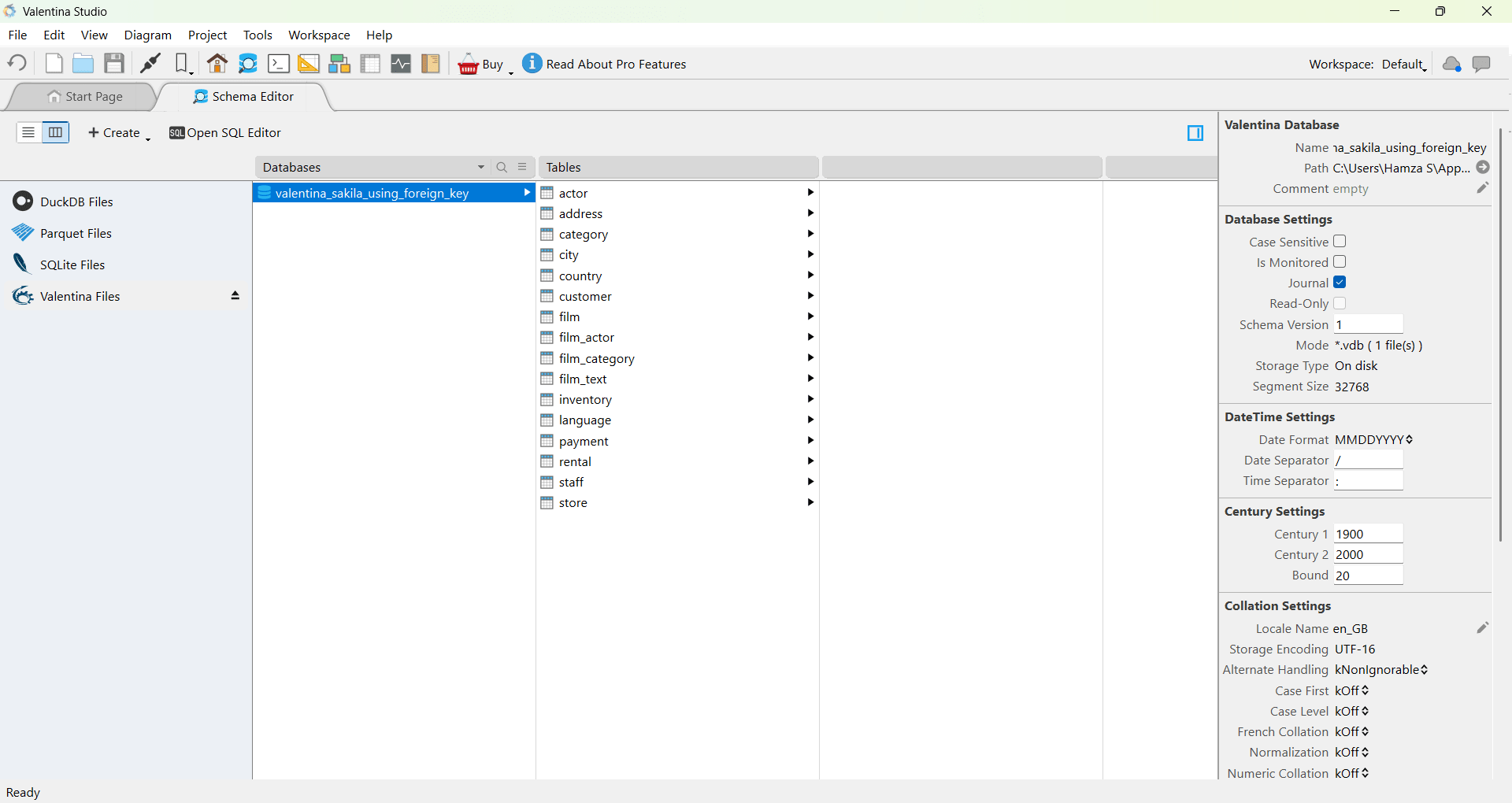
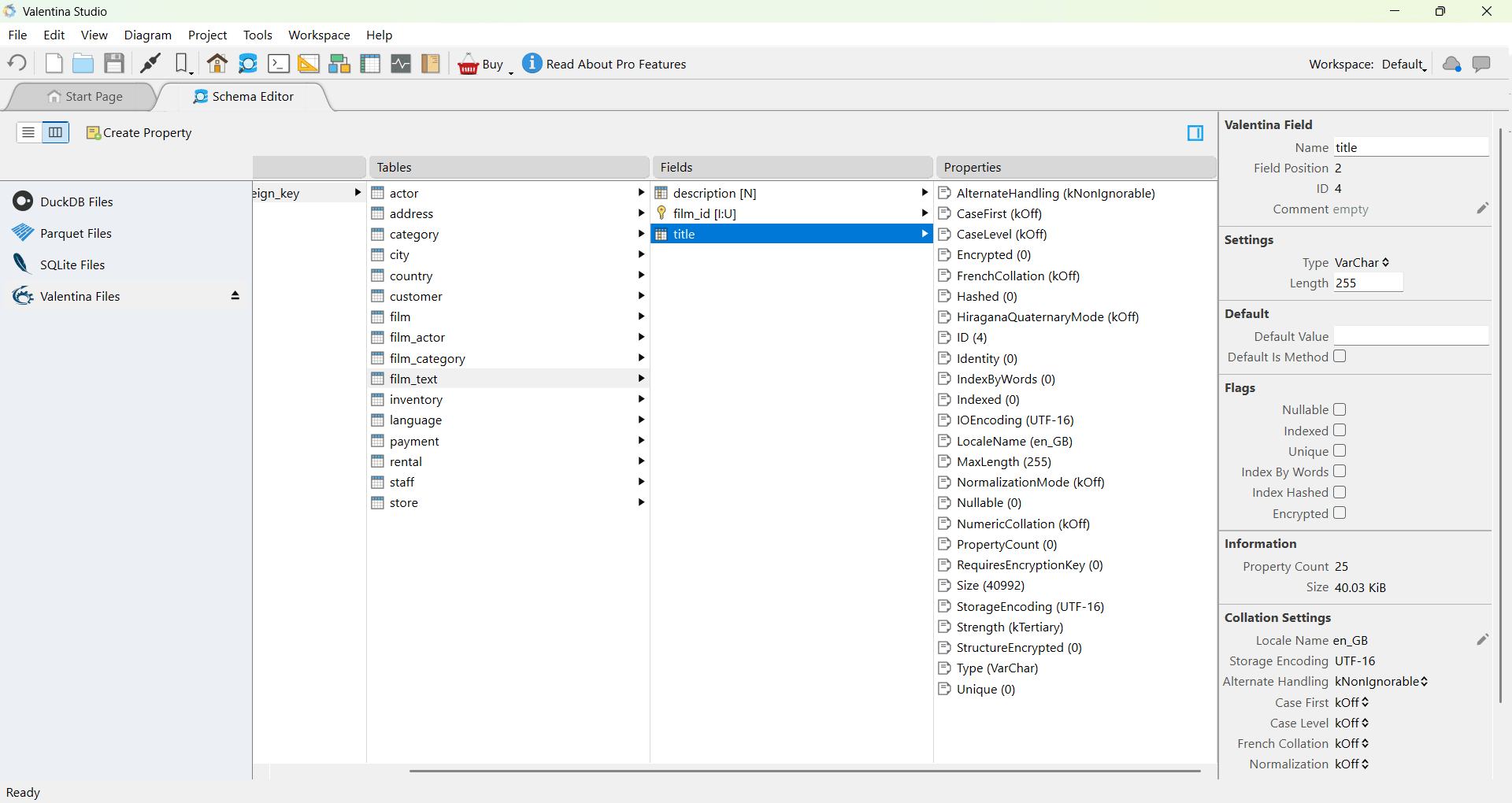
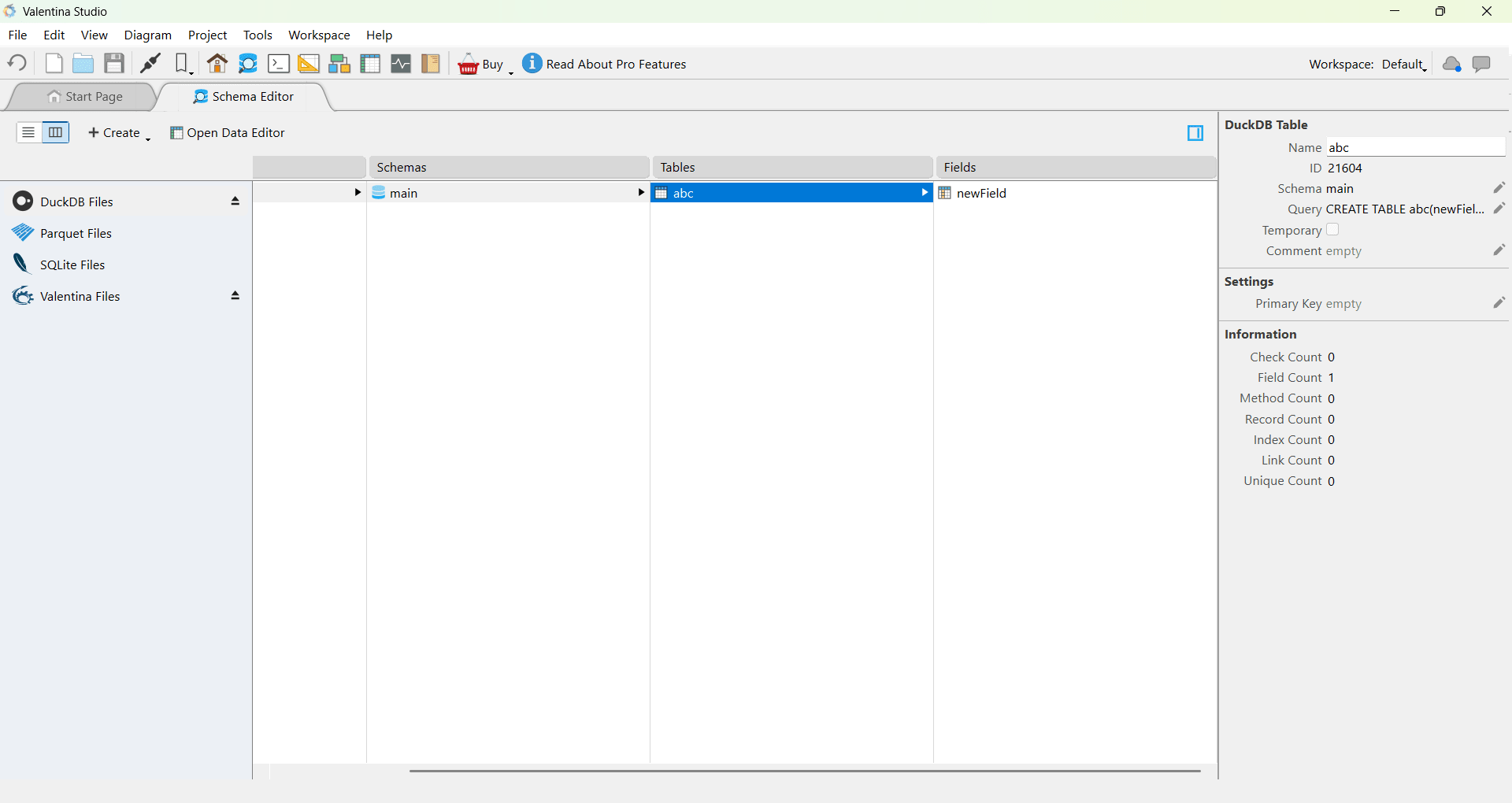
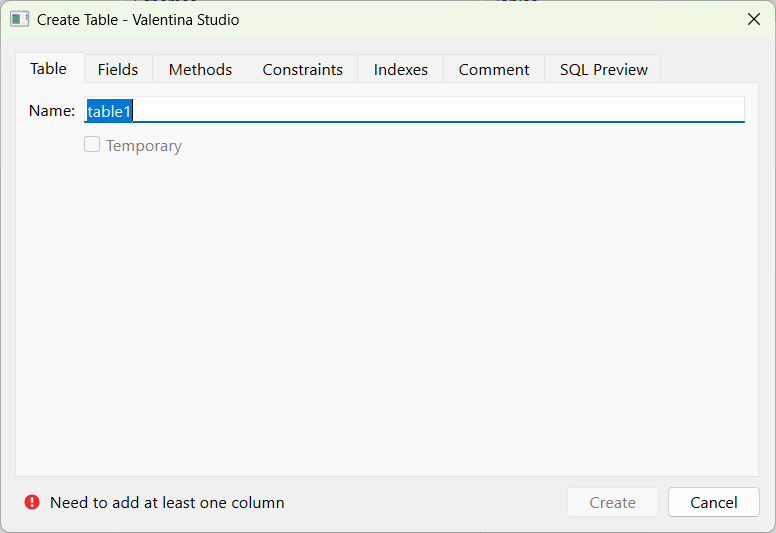
The studio's core strength lies in its comprehensive database management features. You can easily create, edit, and maintain complex databases. The software lets you build tables and configure columns using either an intuitive visual interface or direct SQL queries, depending on your preferred workflow.
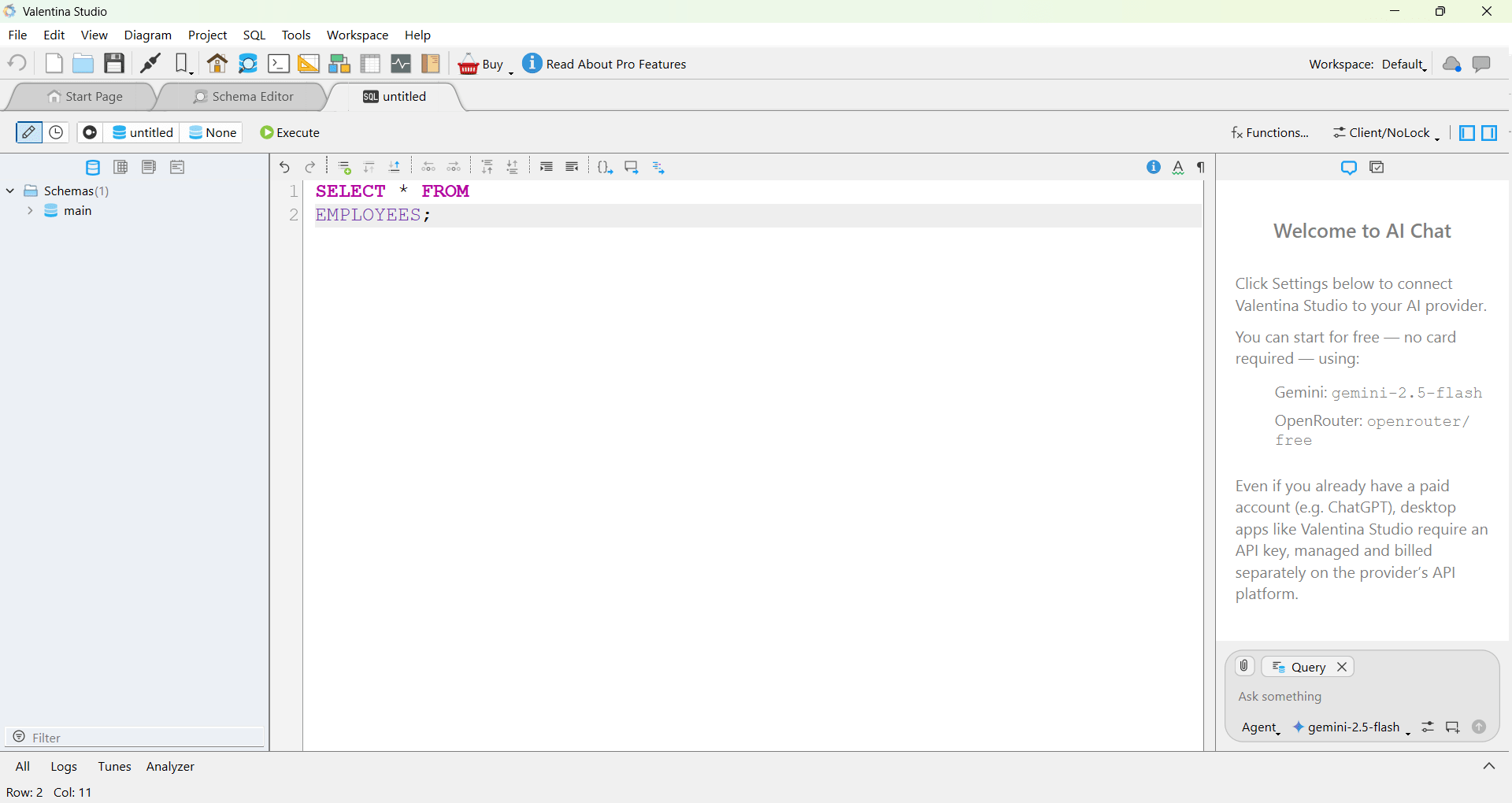
The built-in SQL editor includes syntax highlighting and auto-completion, helping developers write and test queries rapidly while keeping database structure information visible in the same window.Schema design and data modeling
The application incorporates visual tools for designing and modifying database schemas. You can map out tables, define relational links, and manage indexes entirely through the graphical interface. This approach lets you structure a database without writing lengthy SQL queries, though direct execution remains instantly accessible for seasoned professionals.
Mapping everything out visually simplifies database planning, especially when scoping out new projects or restructuring legacy systems. You can also reverse-engineer existing databases to automatically generate visual models, which saves a significant amount of time when generating documentation or analyzing complex structures.Database administration and connectivity
Valentina Studio also packs dedicated features for high-level database administration. You can easily manage user accounts, tweak permissions, and adjust server configurations tailored to your specific database engine.
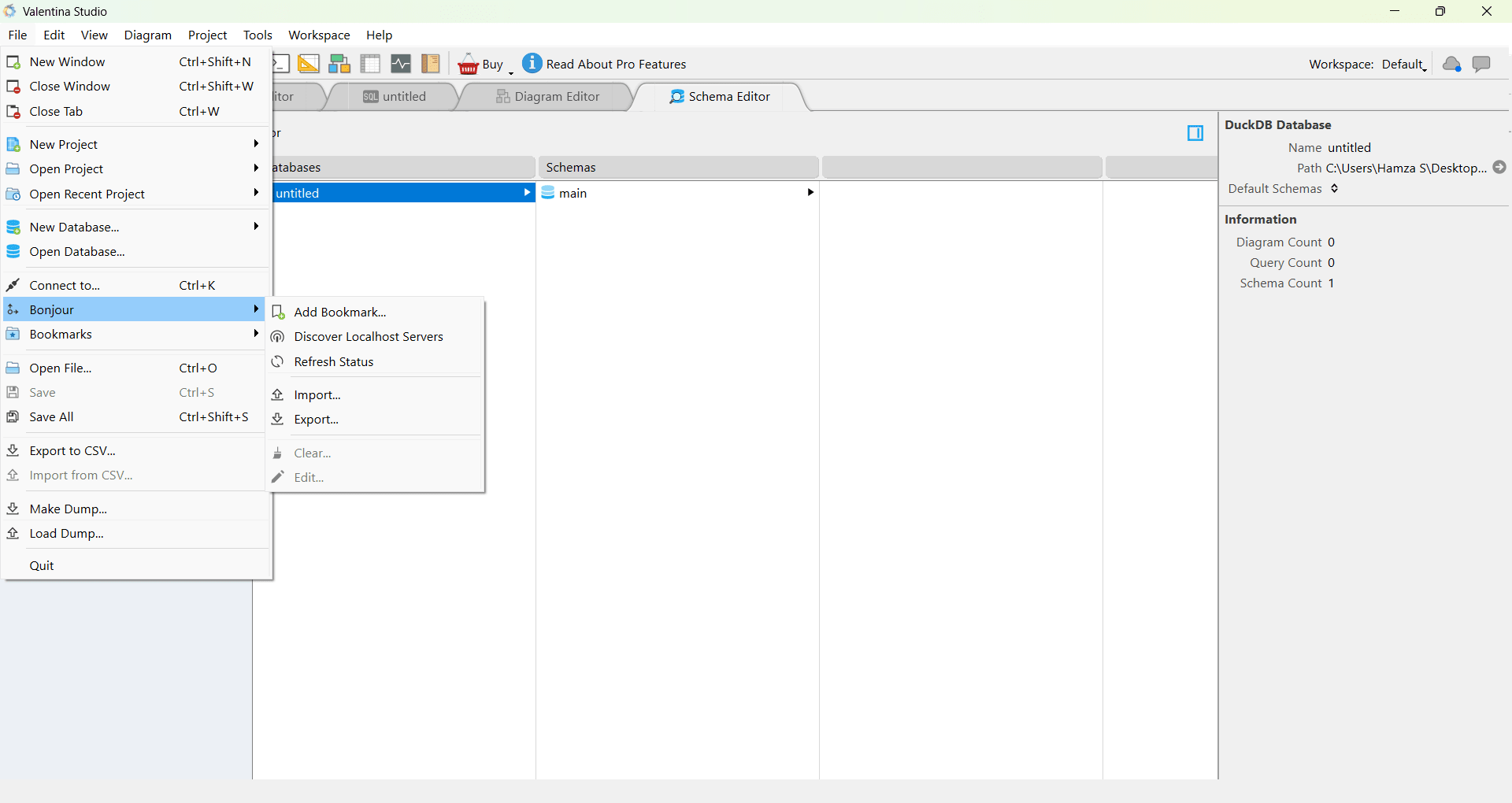
The software supports multiple simultaneous database connections, letting you jump between different projects and live environments on the fly. This flexibility makes it highly practical for administrators tasked with maintaining several databases across entirely different architectures.Performance and workflow experience
The application runs reliably during heavy database operations, whether you are querying massive datasets, browsing tables, or editing complex schemas. Naturally, overall performance scales with the size of your database and the efficiency of the queries you execute.
By keeping everything in a centralized environment, the software eliminates the friction of switching between separate management tools, drastically improving daily efficiency for multi-database projects.Pricing and availability
Valentina Studio operates on a freemium licensing model. The free tier is highly capable and widely used for daily database management tasks without feeling like a restricted trial. Upgrading to the paid Pro version unlocks professional-grade features, including a visual query builder, forward engineering, SQL DIFF, and a data transfer wizard.
Because the final cost depends on the tier chosen or active promotions, you should check the official website for current rates.A versatile database management tool for developers and administrators
Valentina Studio delivers a powerful, unified environment for managing, designing, and querying multiple database engines. Its combination of visual schema tools, advanced SQL editing capabilities, and broad multi-database support makes it an exceptional utility for any developer or administrator looking to streamline their daily workflow.
![Valentina Studio - 10 minutes introduction. [EN]](https://i.sooftcdn.com/video-mobile/1wAd1IrwKAs.webp "Valentina Studio - 10 minutes introduction. [EN]")