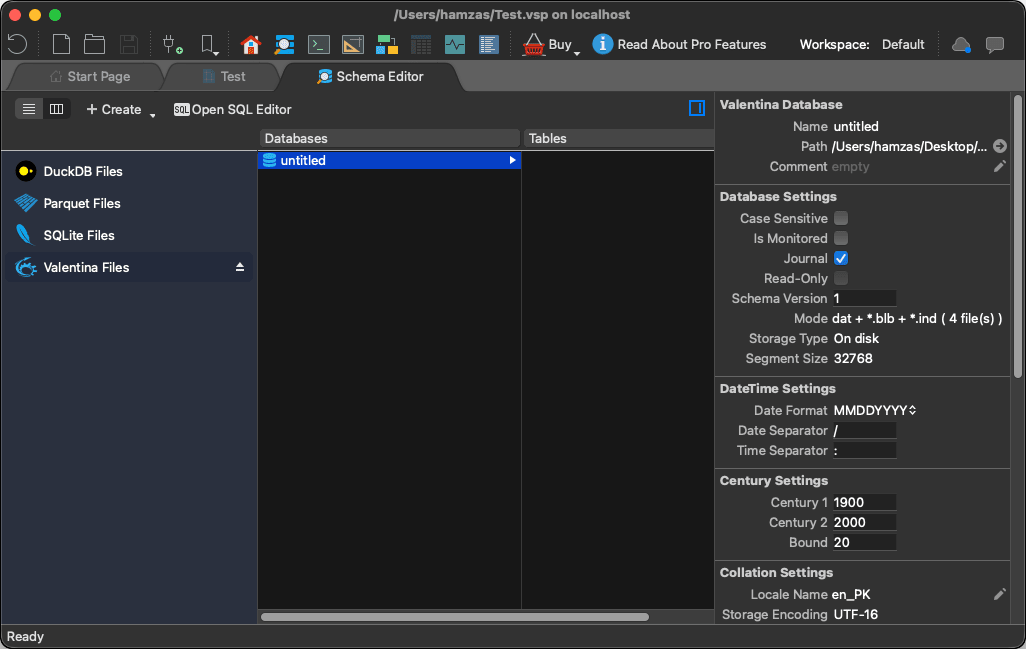
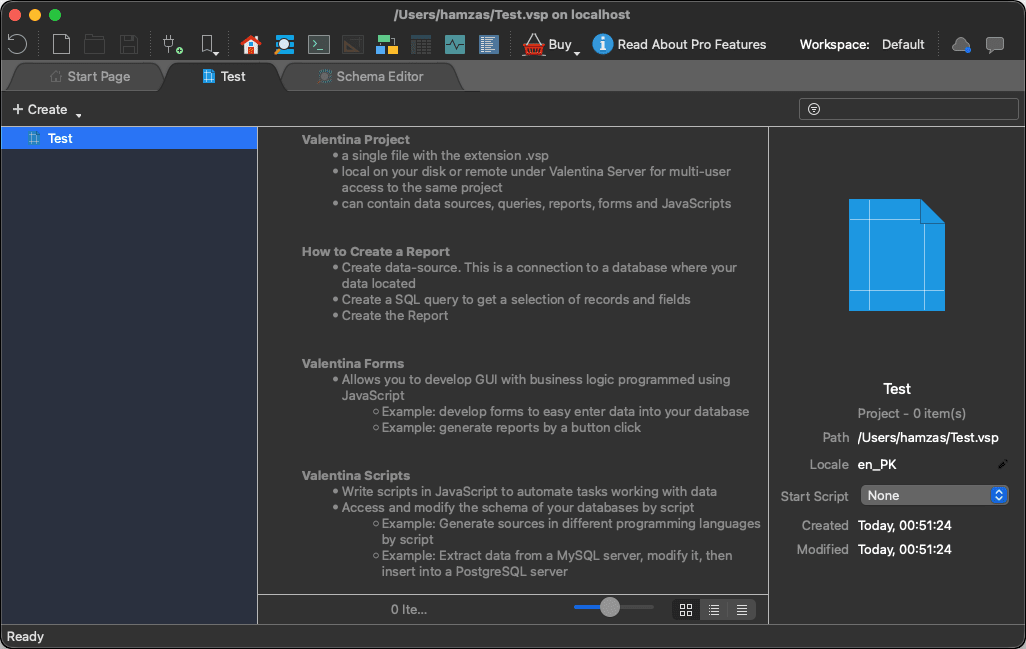
Valentina Studio is a full-featured database management tool that lets you handle multiple database systems from a single interface. Built by Paradigma Software, this utility acts as a powerful centralized workspace for developers, database administrators, and analysts. Instead of juggling separate apps, you can write queries, design schemas, and manage projects entirely within one environment.
On macOS, the application delivers a structured, tab-based interface that organizes database connections, queries, and schemas into a clean workspace. It supports an impressive roster of engines, including MySQL, PostgreSQL, SQLite, MariaDB, SQL Server, MongoDB, and ValentinaDB, making it highly adaptable for multi-database workflows.
Database management and visual tools
The software provides a complete set of utilities for managing structures and data end-to-end. You can build, modify, and access tables, views, indexes, and relationships using either SQL or visual editors. If you prefer avoiding raw code, the visual editor lets you map out the database graphically.
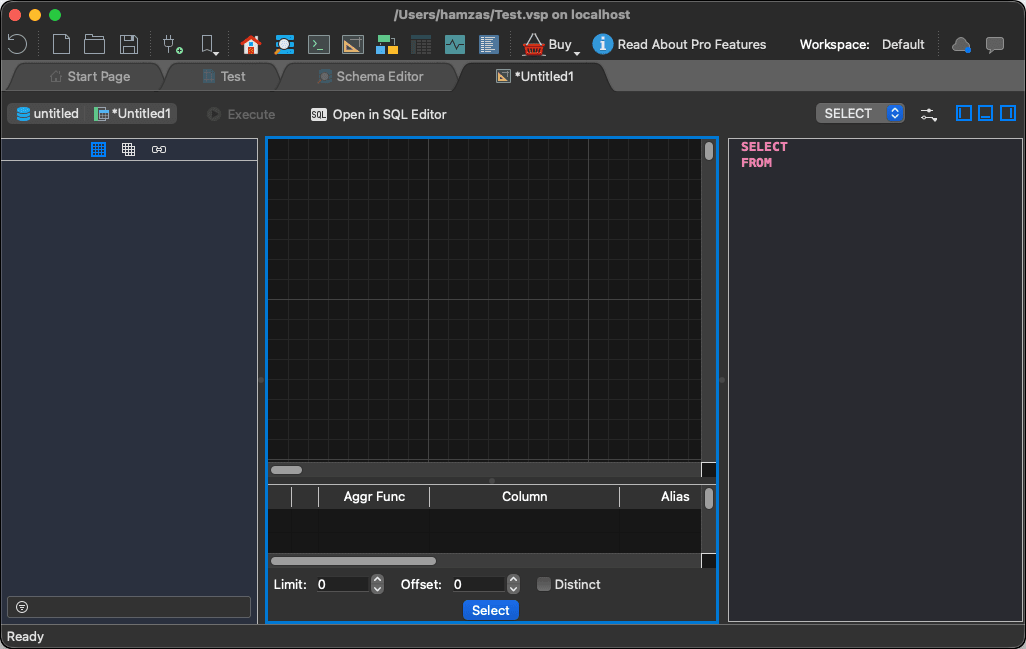
These diagramming tools prove especially useful for untangling complex relationships or making sense of unfamiliar schemas by providing a clear visual representation of the data model.SQL development and querying
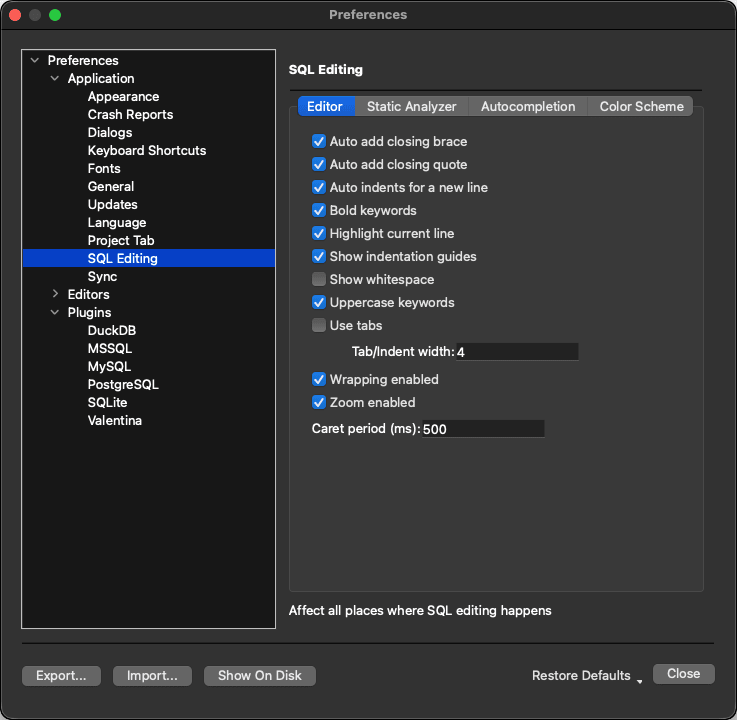
If you prefer to write raw SQL, the built-in editor handles both basic and advanced tasks. You can draft, execute, and organize queries using syntax highlighting, query history, and structured result grids.
The paid Pro tier adds a Visual Query Builder, which helps you construct queries without typing manual code. This addition makes the software highly accessible to beginners while retaining the raw power experienced developers expect.
By keeping everything in a unified query environment, you avoid the friction of constantly switching between specialized desktop clients.Pricing
Valentina Studio operates on a freemium licensing model. The free tier is highly capable and handles daily management tasks perfectly well, even in commercial environments. Unlocking advanced tools like the Visual Query Builder, Report Designer, and SQL DIFF requires upgrading to the Pro version. Because the final cost depends on the tier chosen or active promotions, you should check the official website for current rates.A complete database workstation for macOS developers
Valentina Studio delivers a powerful, centralized environment for database development and management on macOS. Its blend of visual design tools and advanced SQL querying makes it an excellent choice for both learners and power users. The broad multi-database support proves invaluable when bouncing between different projects.
Although premium tools require a paid upgrade, the free tier offers a solid starting point without artificial limits on standard management tasks. The interface and feature depth might feel dense for absolute beginners, but it easily stands as one of the most capable all-in-one database utilities available for the Mac.
![Valentina Studio - 10 minutes introduction. [EN]](https://i.sooftcdn.com/video-mobile/1wAd1IrwKAs.webp "Valentina Studio - 10 minutes introduction. [EN]")